
The Livble Experience (Deprecated)
Learn how to embed the Livble experience within your tenant portal
This Guide is DeprecatedThe following guide applies to a deprecated version of the Livble SDK.
For up-to-date documentation on the latest version, click here.
What is the Livble Experience?
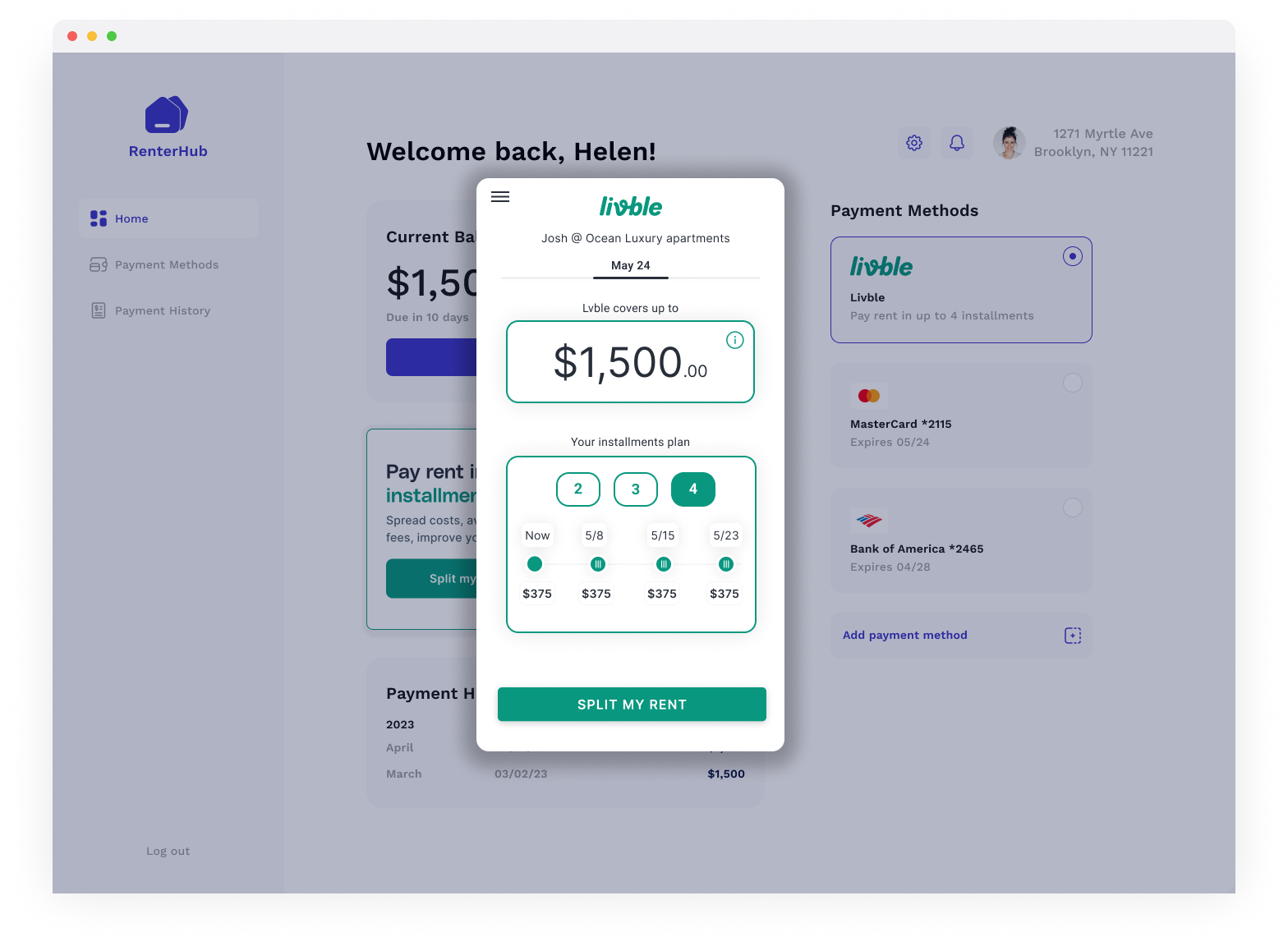
The Livble Experience is a smart overlay modal where all the Lvble user flow happens. Once popped up, the tenant will see a new modal on top of the tenant portal where they can go over Livble's onboarding, split rent and repay flows.
How to show the Livble Experience?
If you use React here is how to pop the experience
import { LvbleWidget, LvbleProvider, useLvbleContext} from "@lvble/react";
import { Environment } from "@lvble/core";

<LvbleProvider environment={Environment.Sandbox} onEvent={onEvent}>
  // The LvbleProvider is positioned somewhere above the component you use to trigger the Experince
  // ...

  const {lvble} = useLvbleContext(); // Get lvble in a component under LvbleProvider
	<Button
  onClick={() => {
    lvble!.open({
      token: token
    });
  }}
	>Add Lvble</Button>

  // ...
</LvbleProvider>
If you don't use React, you can use the vanilla JS way
import {Environment, Lvble} from "@lvble/core";

const lvble = Lvble({
     environment: Environment.Sandbox, onEvent:onEvent
    });

// Use this to show the Lvble Experience
lvble.open({token: token});
Updated over 1 year ago
Did this page help you?