
💫 LivbleWidget UI and States
The LivbleWidget is responsive and stateful. Let's dig into the different states
Widget states
Not onboarded - A user has not yet applied to Livble (examples)
Approved - A user is approved for Livble but has not yet split rent this month (examples)
Owes Livble - A user has an outstanding balance with Livble (examples)
Declined - A user has applied and is now declined (Please remember users can reapply after 90 days) (example)
Note 1: When a user is approved, based on their credit profile they might have varying downpayments
Note 2: All Widget states take the user into the Livble Experience when any CTA is clicked
Widget UI examples
Widget State: Not onboarded
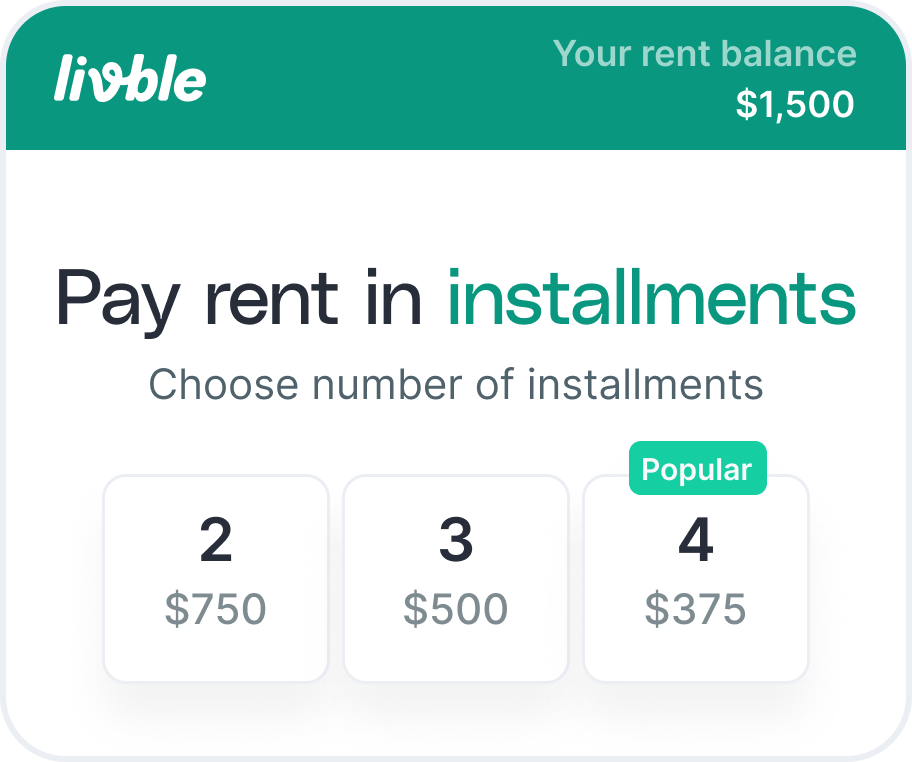
250px, 320px
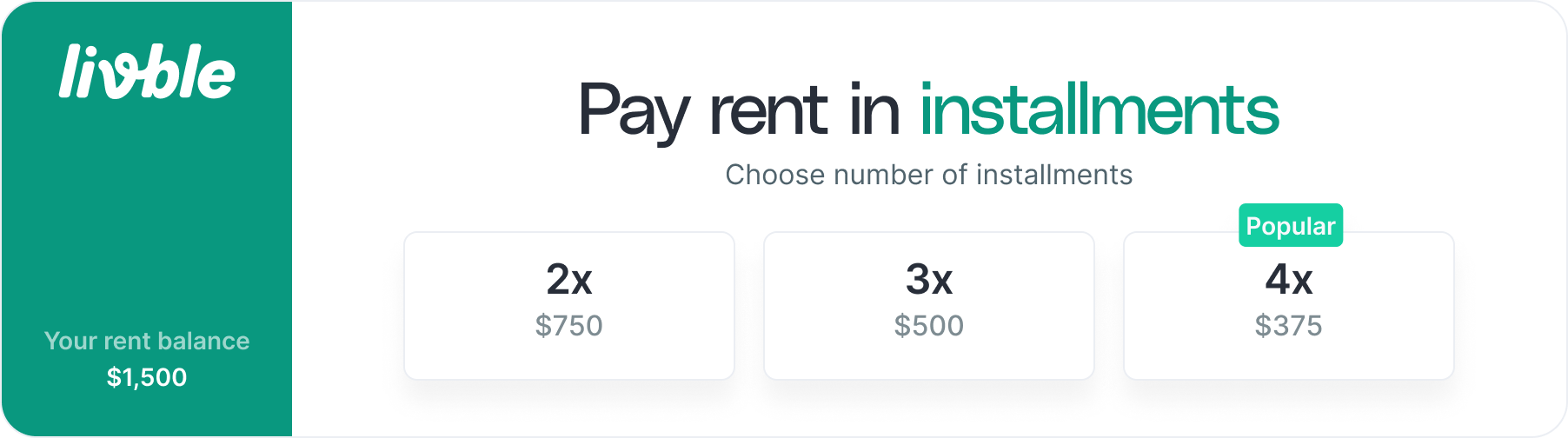
250px, 900px
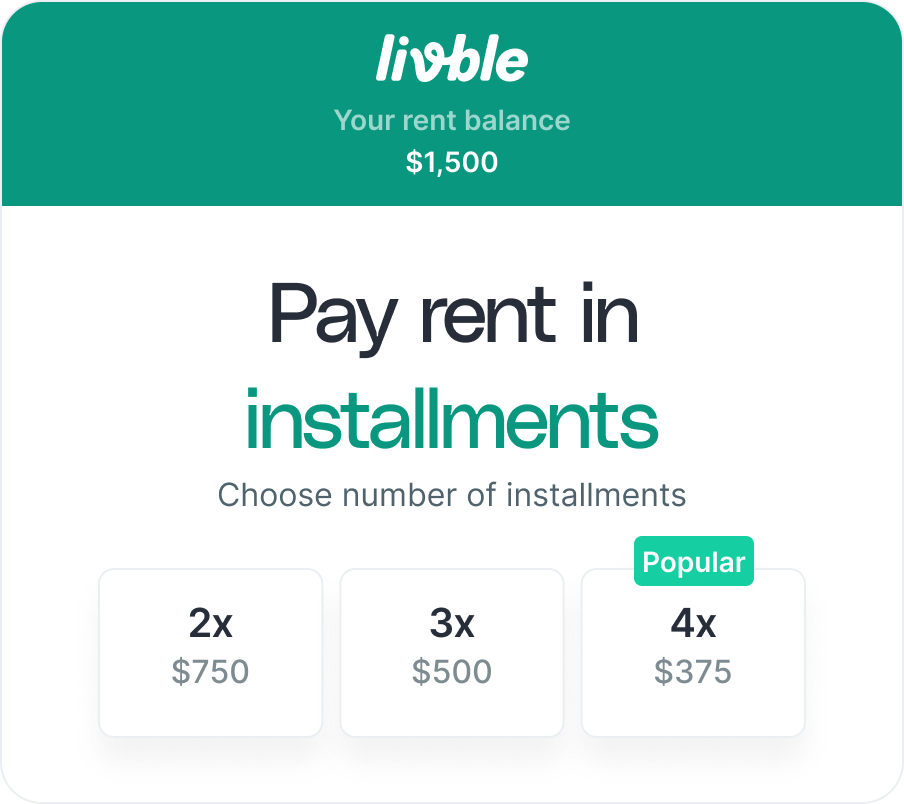
400px, 450px
Widget State: Approved
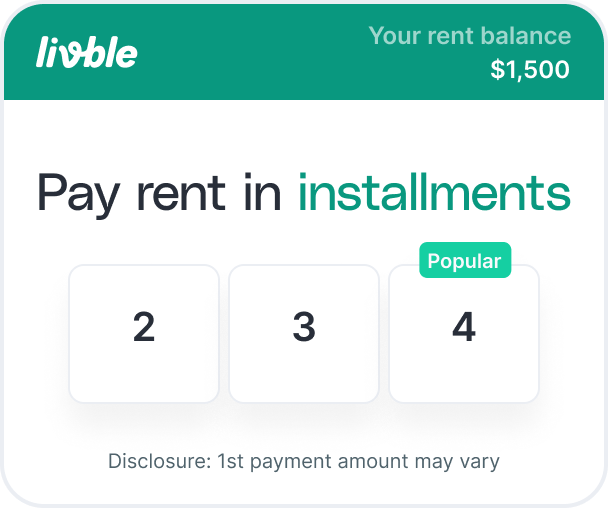
250px, 320px
Widget State: Owes Livble
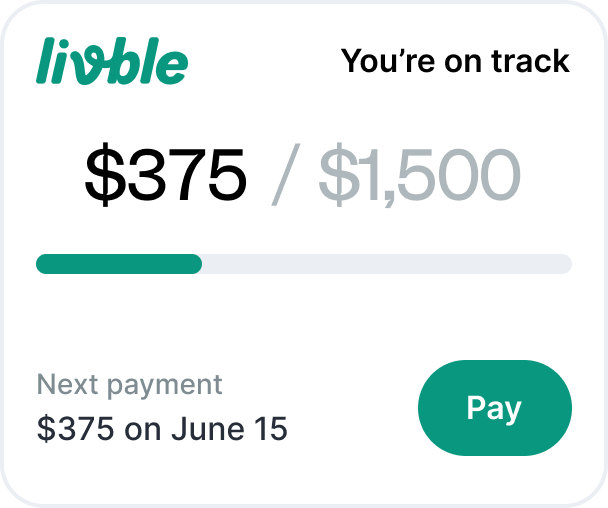
250px, 320px
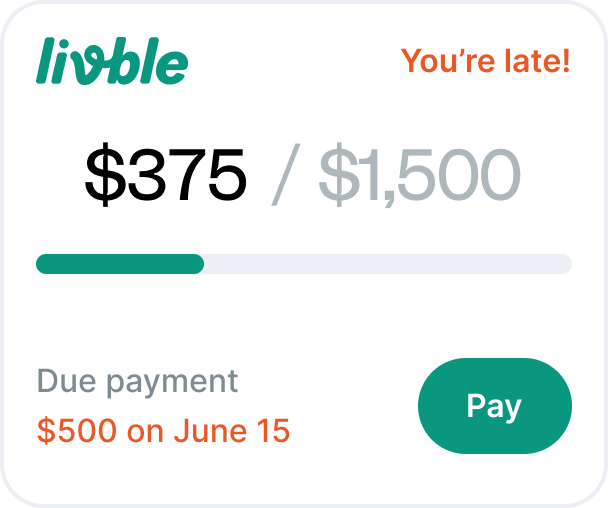
250px, 320px
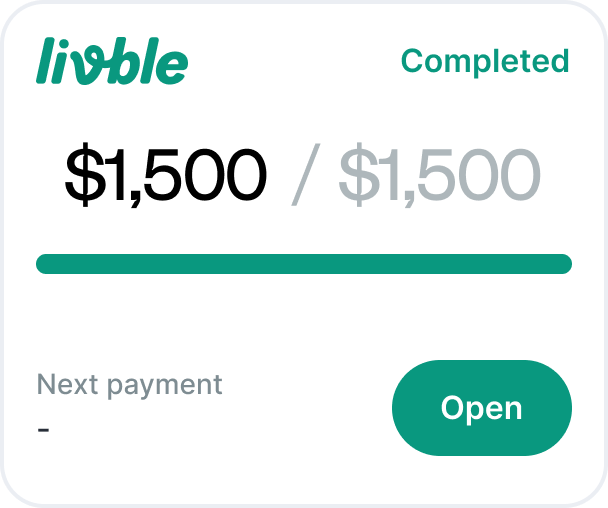
250px, 320px
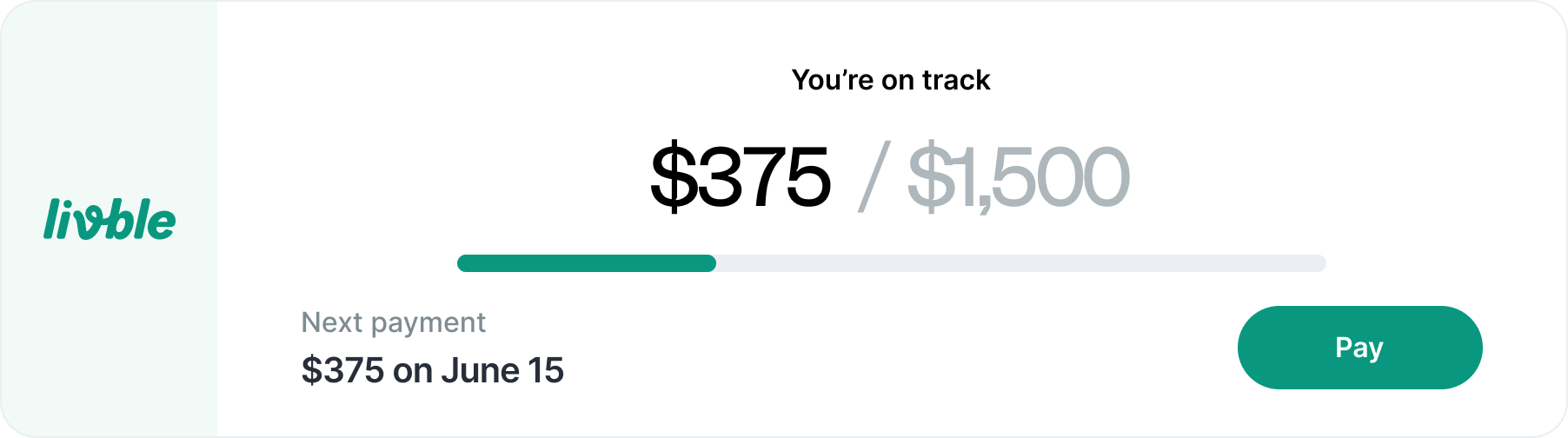
250px, 900px
Widget State: Declined
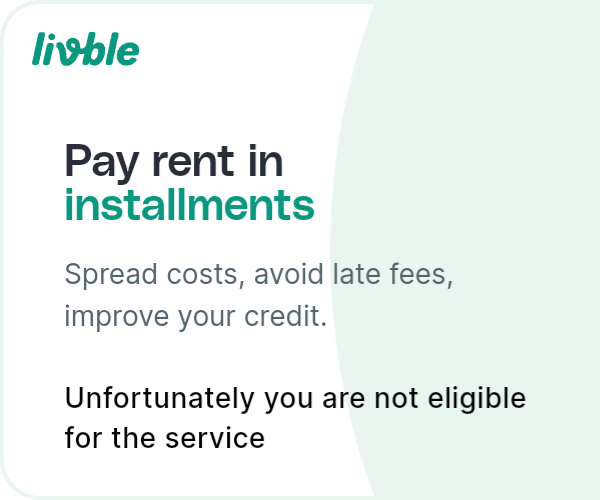
declined (250px, 320px)
Updated over 1 year ago
Did this page help you?